

Designing a website or app interface can be challenging when you do not have professional UI/UX design experience. Traditional design platforms can offer powerful tools, but beginners may need considerable time to understand their workflows.
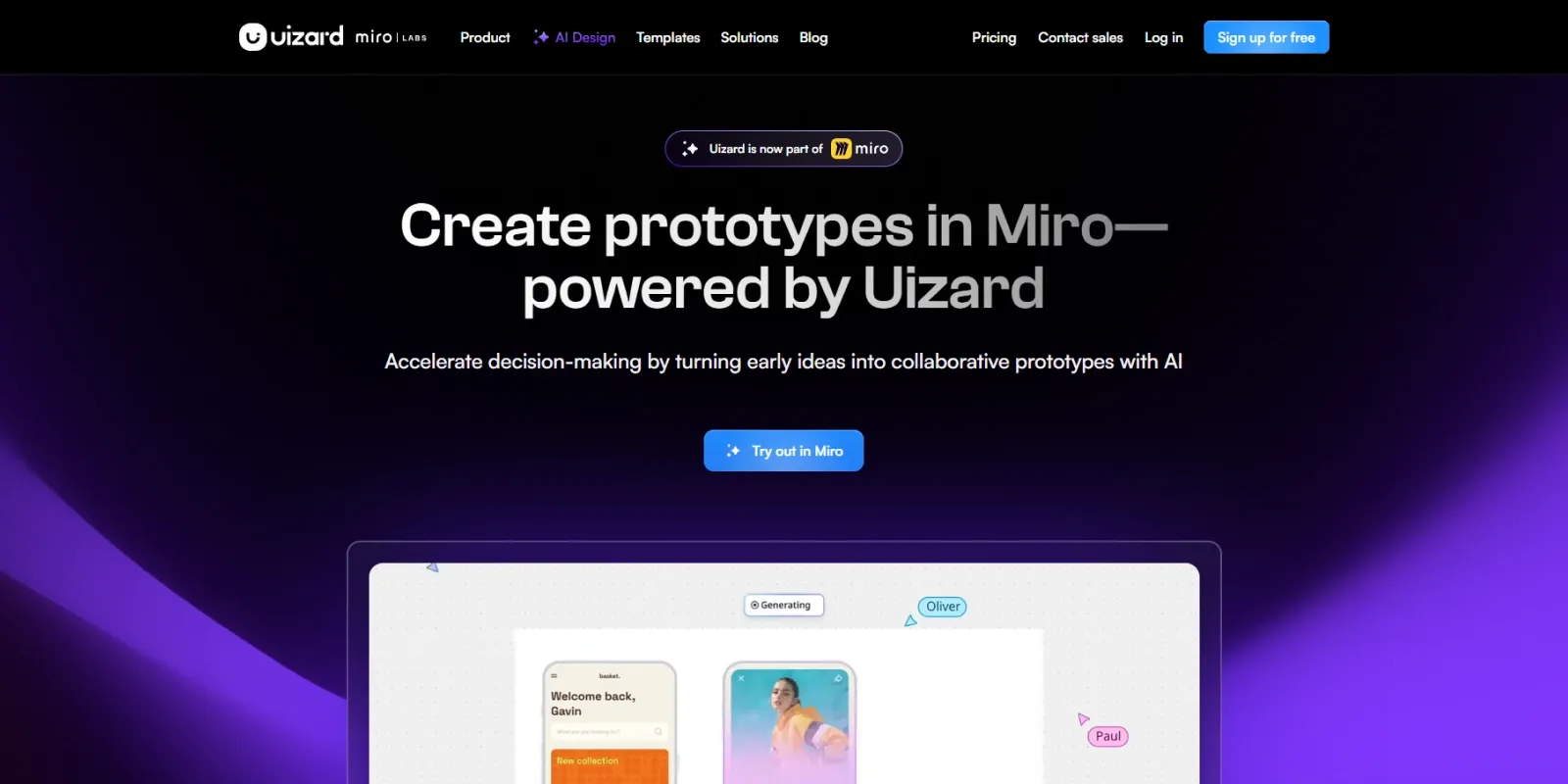
Uizard takes a different approach. It is an AI-powered UI design and prototyping platform that helps users turn ideas, text prompts, screenshots, and hand-drawn sketches into editable digital designs.
In this Uizard review, we will look at its AI design features, wireframing tools, screenshot scanner, pricing, ease of use, pros and cons, and how it compares with Figma. We will also explain who should use Uizard, who may need an alternative, and whether Uizard is worth adding to your design workflow.
What Is Uizard?
Uizard is a browser-based UI design and prototyping platform that helps users create wireframes, mockups, and interactive prototypes without advanced design skills.
Instead of starting from a blank canvas, you can use AI to generate designs from text prompts, convert hand-drawn wireframes into digital interfaces, or turn website and app screenshots into editable mockups.
Uizard also offers a drag-and-drop editor, templates, design components, themes, and collaboration features, making it useful for users who want to visualize product ideas quickly.
In this Uizard review, it is important to note that Uizard is primarily a UI design and prototyping tool, not a complete website or app builder. It can create and prototype interfaces, but it does not turn an entire project into a fully functional website or application with backend functionality.
Key Features of Uizard
1. Autodesigner for AI-Powered UI Generation
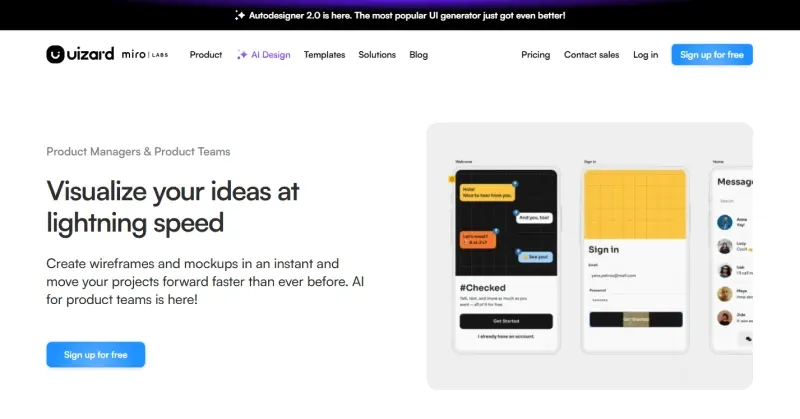
One of Uizard’s most useful features is Autodesigner, its AI-powered design generation system. You can describe the type of website or app you want to create using a text prompt, and Uizard can generate an editable multi-screen design. For example, you could describe a SaaS dashboard, mobile shopping app, booking platform, or another digital product.
Autodesigner can also help modify existing designs and generate alternative design proposals. This makes it useful during the early stages of product development when you want to explore several ideas quickly. Uizard introduced Autodesigner 2.0 with features for generating UI designs, alternative screen proposals, themes, and designs from screenshots and hand-drawn sketches.
Best for: Rapid ideation, MVP planning, and exploring multiple UI concepts.
2. Wireframe Scanner
If you prefer sketching ideas on paper before moving to a computer, Uizard’s Wireframe Scanner can be particularly useful. You can upload a photo of a hand-drawn wireframe and Uizard converts it into an editable digital design. The feature is designed to recognize common UI elements and turn a rough sketch into a starting point for a prototype. This can save time for product managers, founders, students, and designers who like to brainstorm with pen and paper. The scanner supports image uploads such as PNG, JPEG, and HEIC.
3. Screenshot Scanner
Another standout feature is Screenshot Scanner. It allows you to upload a screenshot of a website or app interface and convert it into an editable UI design. After importing the screenshot, you can modify elements such as text, colors, and images. This can be useful when redesigning an existing interface or creating a new concept based on an existing visual reference.
However, users should treat screenshots as a starting point rather than expecting a perfect one-click recreation of every design detail.
4. AI Theme Generation
Uizard can also help users create and modify visual styles and themes. Instead of manually adjusting every color and style element, you can use AI-assisted theme generation to explore different visual directions for your project.
This is particularly useful for non-designers who may know what type of visual style they want but do not know how to build a complete design system manually. Uizard’s subscription documentation currently includes theme generation from URLs, with different usage limits depending on the plan.
5. Interactive Prototyping
Uizard is not limited to static mockups. You can connect screens and create interactive prototype flows so that users or stakeholders can click through the concept.
This makes Uizard useful for:
- MVP presentations
- Client demonstrations
- User-flow discussions
- Product planning
- Early usability testing
- Investor presentations
For teams that need to communicate an idea before development begins, an interactive prototype can be much more useful than a collection of static images.
6. Templates and Pre-Made Components
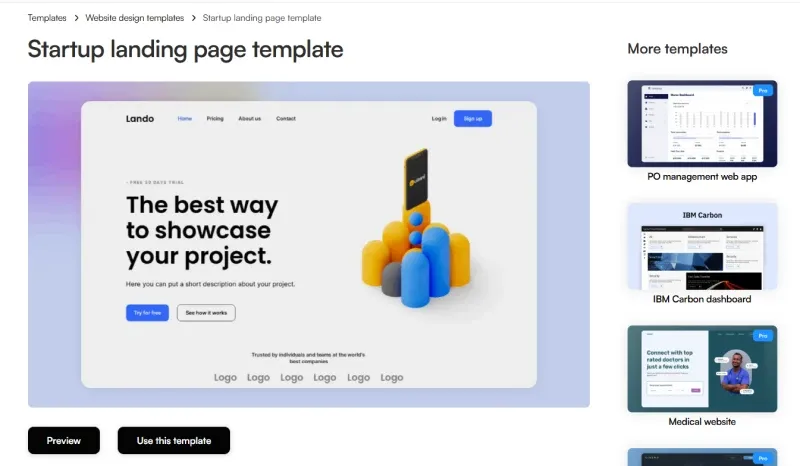
Starting from a blank screen can still be time-consuming, even when the design tool itself is easy to use. In our Uizard review, we found that its pre-made templates and UI components make it easier to start and customize different projects. The Free plan currently provides access to 10 pre-made templates, while Pro and Business users get access to the full template library.
This makes the platform especially useful for beginners who want a starting point instead of designing every component from scratch.
7. Developer Handoff and Export
Uizard also provides developer handoff features. Users on Pro, Business, or Enterprise plans can inspect individual components and access CSS or React code through Handoff Mode.
However, there is an important limitation here. Uizard currently does not allow users to export an entire project as HTML, JavaScript, or another complete application codebase. React code can be obtained for individual components, while full projects can be exported as JPG, PNG, SVG, or PDF.
So, Uizard’s developer handoff should be viewed as a helpful reference for developers rather than a replacement for the actual development process.
Uizard Review: Is Uizard Easy to Use?
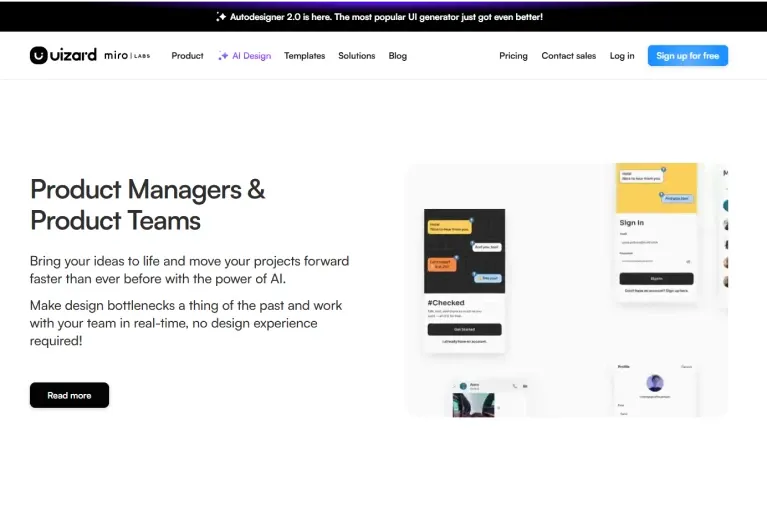
One of the biggest strengths highlighted in our Uizard review is its beginner-friendly workflow. You do not need to understand advanced vector editing before creating your first prototype. AI generation, templates, drag-and-drop editing, and scanners provide several ways to start a project.
For example, a beginner could:
- Describe an app idea using a prompt.
- Generate an initial UI concept.
- Modify the generated screens.
- Connect screens into an interactive prototype.
- Share the prototype with teammates or clients.
This workflow can be significantly easier for non-designers than starting with a completely blank canvas. However, as noted in our Uizard review, ease of use comes with a trade-off. Professional designers who need extremely detailed control over every layer, vector path, component behavior, or design-system rule may find Uizard less flexible than advanced design platforms.
Uizard Pricing: How Much Does It Cost?
Uizard offers Free, Pro, and Business plans, giving users the option to start without paying and upgrade as their design needs grow. The Free plan is suitable for beginners who want to explore the platform and create basic projects with limited AI and scanning usage. For users who need more projects, unlimited screens, higher AI and scanning limits, private projects, and developer handoff features, the Pro plan provides a more complete workflow. Uizard also offers a Business plan for teams that need higher usage limits, team management, and additional support features. Paid plans are charged per Creator, with Pro available on both monthly and annual billing, while Business is billed annually. You can check the latest pricing and plan details on the official Uizard pricing page.
Is Uizard Pricing Worth It?
For someone who only needs occasional wireframes, the Free plan can be enough to understand the platform. The Pro plan becomes more interesting for people who regularly create prototypes, MVP concepts, or multiple design variations.
For larger teams, Business may make more sense because of its unlimited usage and team-management features. Overall, our Uizard review finds it a reasonable entry point for beginners, but the value depends heavily on how frequently you use its AI and prototyping features.
Uizard vs Figma: Which One Should You Choose?
Uizard and Figma can both be used for UI design and prototyping, but they serve somewhat different needs. In this Uizard review, we compare both tools to understand which one is better suited to different design workflows.
| Comparison | Uizard | Figma |
|---|---|---|
| Ease of Use | Very beginner-friendly | More advanced |
| AI-Assisted Design | Strong focus on AI generation | Broad design and collaboration ecosystem |
| Rapid Ideation | Excellent | Excellent |
| Wireframe Scanning | Built-in | Not its primary workflow |
| Screenshot-to-UI | Built-in | Different workflow/tools |
| Advanced Design Control | More limited | Extensive |
| Best For | Beginners, founders, PMs, rapid concepts | Professional designers and detailed product design |
| Learning Curve | Low | Higher |
Uizard vs Figma: Which Is Better?
If your priority is quickly turning an idea into a wireframe or prototype, Uizard is an attractive option. If you need advanced control over complex interfaces, detailed design systems, components, and production-level UI design workflows, Figma may be the better choice. As our Uizard review shows, the decision ultimately depends on whether you prioritize speed and simplicity or depth and design control.
Who Should Use Uizard?
Uizard is a particularly good fit for:
- Startup Founders: Founders can use Uizard to turn product ideas into visual prototypes before investing heavily in development.
- Product Managers: Product managers can quickly create user flows and communicate product concepts with developers and stakeholders.
- Marketers: Marketers can use Uizard to visualize landing pages, campaign concepts, and digital product ideas without depending on a designer for every early-stage mockup.
- Non-Designers: People without professional UI/UX experience can use prompts, templates, and AI-assisted features to create presentable interface concepts.
- Small Teams: Small teams can use Uizard to collaborate on ideas and validate product concepts before moving into development.
Who Should Not Use Uizard?
Uizard may not be the best choice if you need:
- Advanced vector editing
- Highly complex design systems
- Extremely detailed component control
- Full HTML/JavaScript project export
- A complete website builder
- Backend or database functionality
- Production-ready application code generated from your prototype
In these cases, a more advanced design or development workflow may be necessary.
Is Uizard Value It?
After looking at its AI features, prototyping capabilities, ease of use, pricing, and limitations, Uizard is a strong option for people who want to create UI concepts quickly without becoming expert designers first.
Its biggest strength is not that it replaces every professional design tool. Instead, Uizard makes the early stages of design much more accessible.
You can start with a text description, a rough sketch, or an existing screenshot and turn that idea into something visual and editable. That makes the platform particularly useful for founders, product managers, marketers, and beginners.
However, Uizard should not be treated as a complete replacement for advanced design software or web development tools. Professional designers may still want deeper control, while developers will need to build the actual functional product separately.
Frequently Asked Questions About Uizard
Is Uizard free?
Yes. Our Uizard review found that Uizard offers a Free plan with limited projects, screens, templates, scans, and AI-assisted features. Users who need higher limits and additional features can upgrade to Pro or Business.
Is Uizard good for beginners?
Yes. Uizard is designed to make UI design and prototyping easier for people who do not have advanced design experience. Its AI generation, templates, drag-and-drop editing, and scanning features make it relatively easy to get started.
Is Uizard better than Figma?
Neither tool is universally better. Our Uizard review finds Uizard better for beginners and rapid prototyping, while Figma is better for advanced design control.
Can Uizard generate a website?
Uizard can help you design website interfaces, wireframes, and interactive prototypes, but it is not a complete website builder. It does not turn an entire Uizard project into a fully functional website with backend functionality.
Can Uizard convert a screenshot into a UI design?
Yes. Uizard’s Screenshot Scanner can convert website or app screenshots into editable UI designs. You can then modify elements such as text, colors, and images.
Can Uizard convert a hand-drawn sketch into a digital design?
Yes. Its Wireframe Scanner can convert uploaded hand-drawn wireframes into editable Uizard designs.
Can Uizard generate React code?
Uizard’s Handoff Mode allows Pro, Business, and Enterprise users to inspect individual components and copy or download React code. However, Uizard does not currently export an entire project as HTML or JavaScript.
Is Uizard worth paying for?
For occasional users, the Free plan may be enough. If you regularly create prototypes, use AI-assisted features, or need higher project and scan limits, Pro can offer better value. Teams with heavier usage may benefit from Business. Overall, our Uizard review considers the pricing reasonable for users who need a simple and fast AI-powered prototyping workflow.
Final Thoughts
Uizard is not trying to be everything for everyone, and that is part of its appeal. Instead of focusing solely on advanced design controls, it makes the process of turning ideas into UI concepts faster and more accessible.
If you are a startup founder, product manager, marketer, student, or beginner designer, Uizard can help you move from an idea to a presentable prototype without spending weeks learning complex design software. For professional designers who require advanced control and developers who expect complete production-ready code, however, Uizard has clear limitations.
Our Uizard review finds it to be an excellent choice for rapid ideation and prototyping. However, for advanced production design and development, you will likely need additional tools.
Reviewed by Dockdino Team
Our Uizard Review is based on Uizard’s features, usability, pricing, and overall value for users looking for an AI-powered UI design and prototyping tool.