
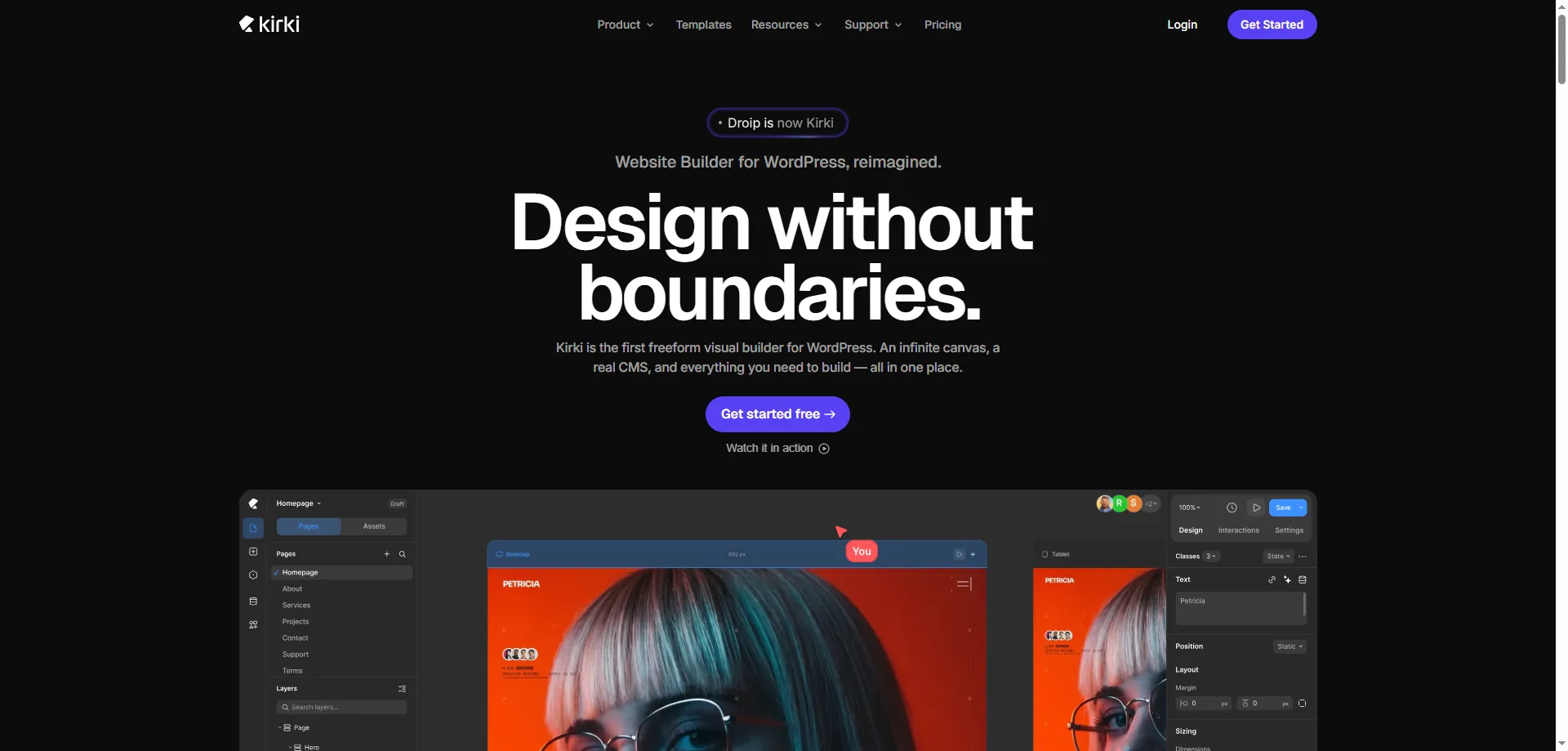

Kirki has evolved from a simple WordPress Customizer framework into a complete visual website builder. Instead of relying on traditional drag-and-drop rows and columns, it offers a freeform canvas where you can design websites with greater creative freedom. It is aimed at freelancers, agencies, bloggers, and business owners who want to build modern WordPress websites without writing code.
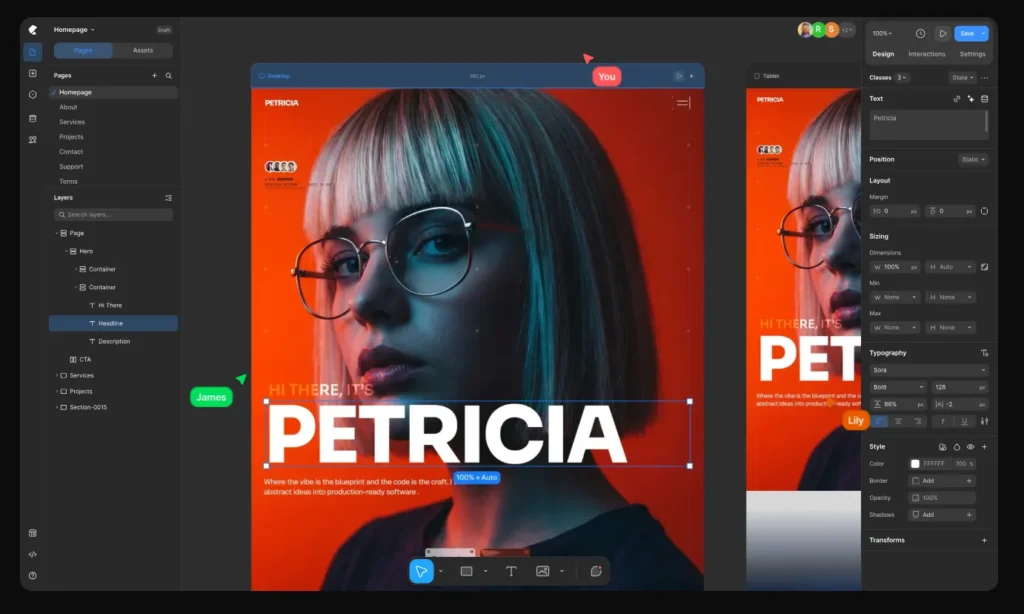
Key Features
- Import & Export support
- Freeform visual website builder
- Drag-and-drop editor
- Responsive editing
- 35+ Customizer controls
- Form builder
- Popup builder
- Dynamic CMS (Pro)
- Figma import
- Real-time collaboration
- 100+ premium templates (Pro)
Who Should Use Kirki?
Kirki is a good choice if you:
- Want a modern no-code website builder
- Need more creative design freedom than traditional page builders
- Build websites for clients
- Like Framer-style editing inside WordPress
- Need responsive design and dynamic content
Who Should Avoid Kirki?
Kirki may not be the best option if you:
- Only need a simple blog
- Prefer traditional page builders like Elementor
- Want a mature ecosystem with thousands of add-ons
- Need maximum compatibility with older themes
Final Verdict
Rating: ⭐⭐⭐⭐☆ (4.5/5)
Kirki has transformed into a powerful visual website builder for WordPress. Its freeform editing experience, responsive controls, collaboration features, and modern workflow make it an excellent choice for designers and agencies. While the learning curve is slightly steeper than traditional page builders, its flexibility and growing feature set make it one of the most promising WordPress builders available today.
Users who relied on the original lightweight Customizer framework should note that the product has changed significantly, but new users looking for a modern no-code builder may find it a compelling option.